Communication Design(Graphic Design)
Overview
Projected Job Growth
N/A
Duration of Study
N/A
Annual Average Salary
N/A
Career Opportunities
N/A
Program Description
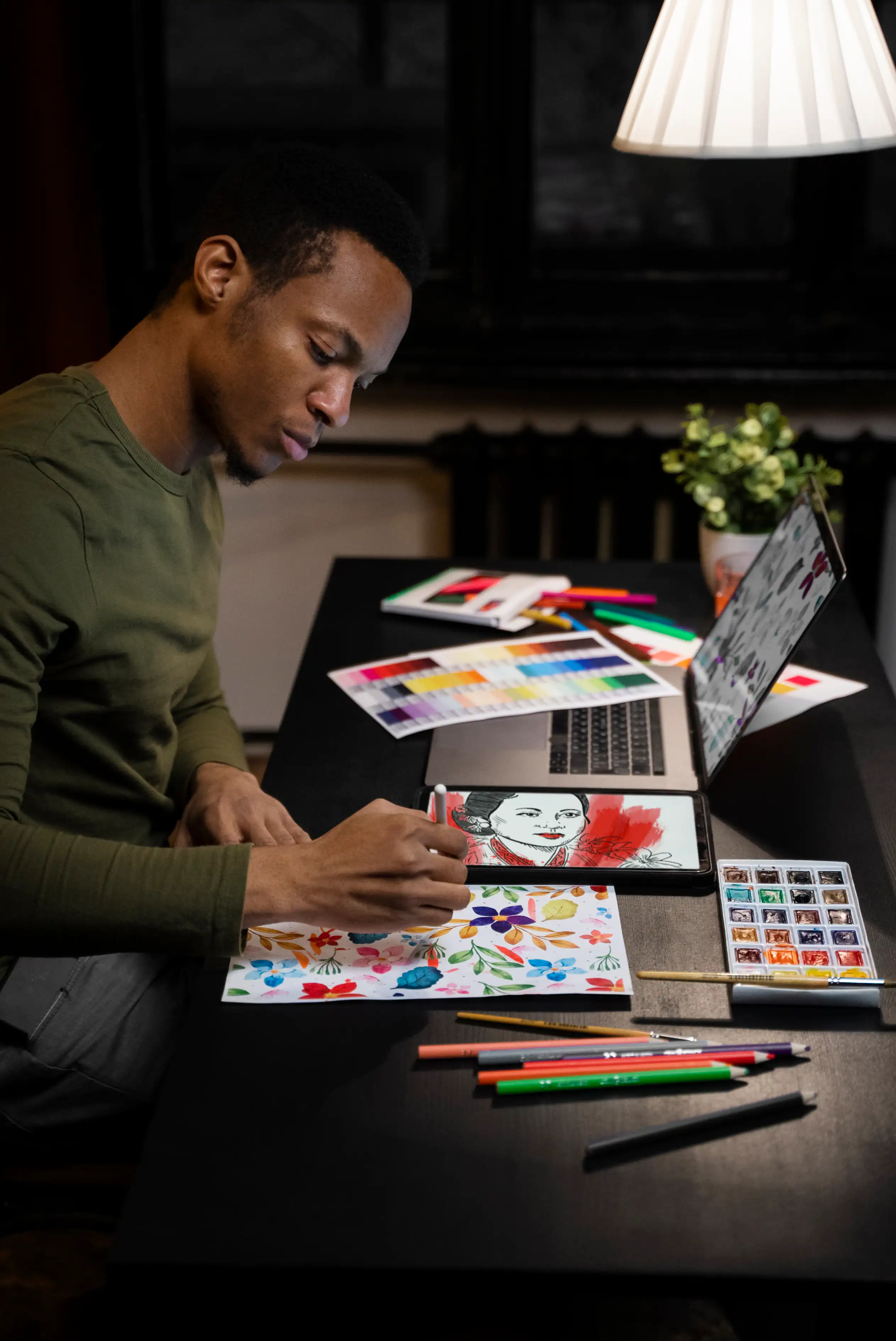
Communication Design (Graphic Design) is a creative program that focuses on how visual elements such as images, colors, symbols, and typography can be used to share ideas, messages, and information. Students learn how to design posters, logos, websites, advertisements, packaging, and digital content that influence how people think and feel.
In this program, you will study drawing, design principles, typography, photography, illustration, branding, advertising, animation, and digital media. You will also gain hands-on experience with modern design software and tools.
A degree in Communication Design opens doors to careers in advertising agencies, branding companies, media houses, web and app design firms, publishing houses, and creative industries. Graduates can also become self-employed graphic designers, creative entrepreneurs, or digital content creators.
This program is perfect for SHS students who are creative, love drawing, digital art, visual storytelling, and problem-solving through design.
Aims and Objectives
To encourage innovation and entrepreneurship in the creative industry.
To prepare students for careers in advertising, branding, and digital media.
To equip students with modern digital design skills.
To develop creativity and problem-solving through design projects.
To train students in visual communication and design principles.
Why Choose This Program?
Creative Career Opportunities
Work in advertising, branding, publishing, or digital design
High Demand in Industry
Businesses need designers for logos, websites, and social media.
Entrepreneurship Path
Start your own design studio or freelance career.
Modern Digital Skills
Learn industry-standard tools like Photoshop and Illustrator.
Global Opportunities
Graphic design skills are relevant worldwide.
Skills Students Will Acquire
Mastering fonts and text for communication.
Creating professional artworks using design software.
Capturing and enhancing visuals for design projects.
Creating websites, animations, and motion graphics.
Designing logos and brand guidelines.
Tools and Resources Students Will Use
Canva – For quick design and presentations.
CorelDRAW – For layout and design projects.
Adobe Illustrator – For vector graphics and logos.
Adobe Photoshop – For photo editing and design.
Challenges Students Face and Helpful Tips
Challenges
Constant Learning
Heavy Practical Workload
Tips & Advice
New design trends and software updates require adaptability.
Many projects and assignments to complete.
Video Guide
Frequently Asked Questions
All your queries answered.